How to Use Hygger 24/7 Mode — The Complete UK Guide (Setting, Exiting, Fixing)
Step-by-step guide to setting, syncing and exiting 24/7 mode on Hygger aquarium lights — plus fixes for stuck mode and power-cut resets.
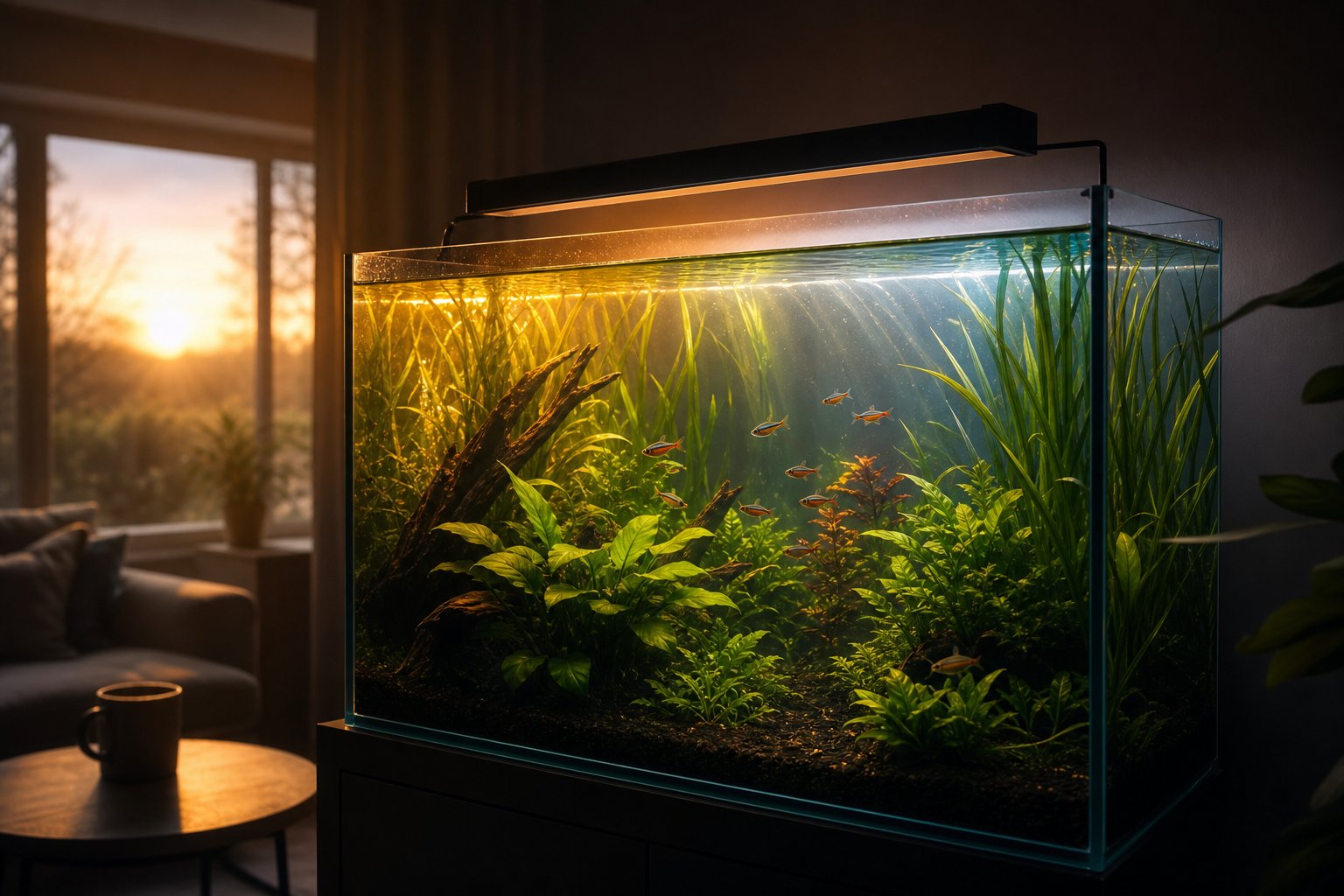
Hygger’s 24/7 mode runs a fixed daily light cycle automatically: a soft orange sunrise in the morning, bright full-spectrum light through the day, dim blue moonlight in the evening, then off overnight. To activate it, long-press the 24H/SET button, choose your start and end times, then sync the light to the nearest current time slot. This guide walks through every step — and how to get back out.
Why this guide exists
The paper manual that ships in the box is, frankly, hard to follow. You are not imagining it. On Reddit’s r/Aquariums, one owner put it plainly: “There’s instructions but they don’t really make sense.” Another spent an evening pressing every button trying to escape a stuck 24/7 mode. These are the two questions we answer most often, so here is the full, plain-English version — written for UK fishkeepers, tested against the official Hygger programming documentation.
What 24/7 mode actually does
In 24/7 mode the light stops being a simple on/off lamp and becomes a self-running daily programme. Over the course of the day it moves through three phases:
- Dawn — dim, warm orange light that ramps up gradually, mimicking sunrise.
- Daytime — bright, full-spectrum white light for plant growth and viewing. Our guide to full-spectrum lighting explains why this phase matters most for planted tanks.
- Night — low-intensity blue moonlight, followed by a full off period of roughly seven hours so fish and plants get proper darkness.
Two things surprise new owners. First, colour and intensity are fixed in this mode — the programme controls them, and the manual buttons will not override brightness while 24/7 mode is active. If you want custom colours or a dimmer schedule, you need manual/DIY mode instead. Second, the light needs to know what time it is, which is where the “time section” step comes in.
Setting up 24/7 mode, step by step
The exact button labels vary slightly between models (24H/SET on some controllers, a clock icon on others), but the logic is identical across the range:
- Enter programming. Long-press the 24H/SET button until the indicator flashes.
- Set the start time. Use the + and − buttons to choose when the daily cycle should begin (most owners pick 07:00–09:00), then press 24H/SET once to save.
- Set the end time. The indicator flashes again. Use + and − to choose when the light should switch off in the evening, then press 24H/SET to save. Start and end times cannot overlap.
- Sync to now. Press 24H/SET once more, then use + and − to select the time slot closest to the actual current time. This step is the one most people miss — without it, the light has no idea whether it is currently morning or evening, and the cycle will run offset from your real day.
On models with preset time sections (several older Hygger lights divide the day into fixed slots such as 8:00, 10:00, 12:00, 15:00, 18:00 and 22:00), you simply pick the slot nearest to the real time. Example from Hygger’s own documentation: if it is 07:50, choose the 8:00 slot — the light will run the daytime programme, switch to moonlight in the evening, turn off at around 22:20, and come back on at 05:50 the next morning, automatically, every day.
The default schedule
Out of the box, most Hygger 24/7-capable lights default to switching on at about 06:00 and off at about 22:30. That is a 16.5-hour lit period — far too long for algae control if your tank is planted and new. We recommend reprogramming the window so the bright daytime phase lands within a 6–8 hour band; our aquarium light duration guide covers exactly how long the lights should run for different tank types.
How to get OUT of 24/7 mode
This is the question that fills forum threads. The short version:
- To switch off temporarily: long-press the on/off button (usually the second button) for about three seconds.
- To exit the mode entirely: press the mode button (labelled M, MODE or the timer icon depending on model) once — the light returns to manual mode, where brightness and colour buttons work again.
- If it appears stuck: unplug the light for ten seconds, plug it back in, and press the mode button before touching anything else. On several models, button presses made while the 24/7 indicator is flashing are interpreted as programming inputs, which is why frantic pressing feels like the light is ignoring you.
If none of that works, condensation on the inline controller is the most common physical culprit — the membrane buttons misread when damp. Dry the controller thoroughly (it is not waterproof and should never sit against the glass or under the lid where mist collects) and try again.
Power cuts: will my settings survive?
It depends on the generation of your light. Newer models such as the hygger 999 series include a power-off memory function: after a power cut, your programmed schedule is retained and you only need to re-sync the current time slot. Older 24/7 models lose the schedule entirely and must be reprogrammed from step 1. If you live somewhere with frequent brief outages, this is worth checking before you buy — and it is a genuine reason to keep your programming steps written down (or bookmark this page).
One caution we give every customer: do not run the light through a smart plug that cuts power on a schedule. Cutting mains power to simulate an off-timer resets or confuses the internal clock on most models, and you lose the sunrise/sunset ramping that is the whole point of the mode.
Quick troubleshooting table
| Symptom | Likely cause | Fix |
|---|---|---|
| Light ignores button presses | 24/7 mode active (buttons locked) | Exit mode first, then adjust |
| Cycle runs at wrong times | Time slot never synced | Redo step 4 (sync to nearest slot) |
| Settings vanish after unplugging | Older model without memory | Reprogramme; avoid smart plugs |
| Buttons trigger by themselves | Condensation on controller | Dry controller, reposition away from lid |
| Light stuck in one colour | Mid-programming state | Unplug 10 s, press mode once |
Pair the light with reliable heating
A stable light cycle is half of a stable tank; the other half is temperature. If you are setting up your lighting schedule, it is worth checking your heater can hold temperature just as consistently — our titanium heater with external controller shows its set and actual temperature on an external display, so you can verify both halves of your tank’s daily rhythm at a glance. For a broader look at the range, see our LED aquarium light overview.